eCommerce SEO: How to Help Customers Find Your Products
Learn ecommerce SEO basics for Malaysian online stores. Plan product pages, category pages, internal links and technical checks that support organic search.

On this page11 sections
Your staff know the products. A new customer does not. That is where a lot of online stores lose people.
The product may be called “B-107” in your stock system, but the customer is looking for a blue water bottle that fits a school bag. They want to know the size, material, lid and delivery details before paying.
eCommerce SEO starts with that gap. Use the words customers understand, give each page a clear purpose and make the products easy to find. Then check that search engines can reach the pages and read accurate information about them.
Listen to the questions you already receive
Look at your WhatsApp enquiries, sales conversations and store searches. What do people ask before buying? Where available, Search Console shows queries that have already brought your pages into search results.
Compare that wording with keyword research. Search volume can help you decide where to start, but a smaller, relevant question may still matter to someone ready to buy.
Suppose you sell water bottles. These examples show three different needs:
| What someone might search | What they need | Page that can help |
|---|---|---|
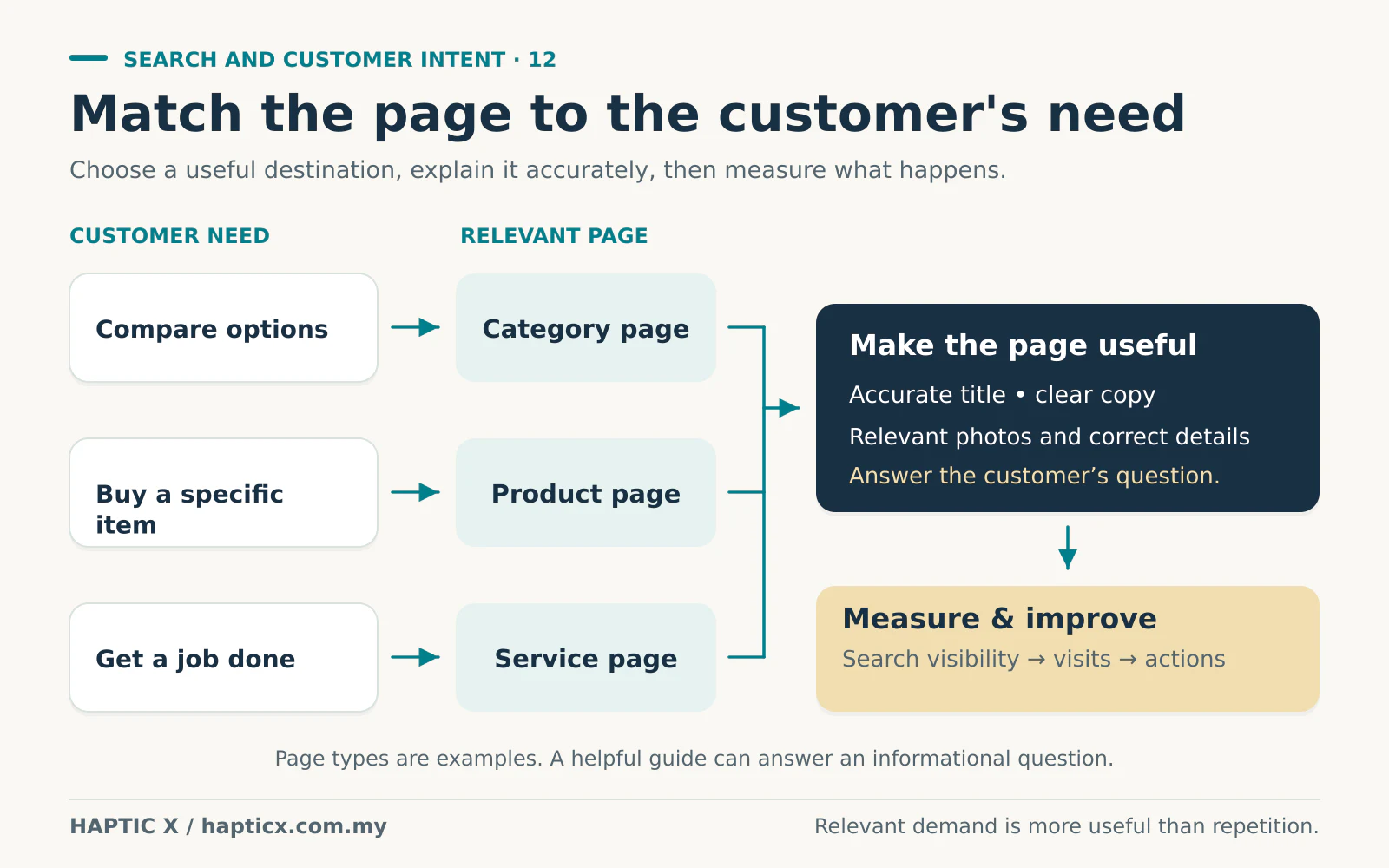
| stainless steel water bottles | Compare the range | Category page |
| blue 750ml stainless steel bottle | Find a particular product | Product or relevant variant page |
| how to clean a reusable bottle | Get instructions | A useful guide linked to the products |
Keep similar wording together when it describes the same need. You do not need separate pages for every small variation of “water bottle.”
Let category pages help people choose
A category is more useful when it explains the differences in the range. Which sizes are available? Which options suit the uses your customers ask about? Put the products where people can reach them, with a short explanation that helps them choose.
Your navigation should lead from the main categories to the products. Google recommends this connected structure. Products found only by typing into a search box can be harder for Google to discover, because it generally does not submit searches into that box.[1]
Think of a customer walking into a shop. Clear sections help them find the shelf they need. An online store needs the same clarity.
Give the product page the information your salesperson would give
A photo and price may be enough for a customer who already knows the item. Someone buying it for the first time needs more help.
For the bottle example, show the capacity, dimensions, material, lid type and what comes in the package. Explain care instructions where relevant. Add accurate delivery, return and warranty information.
An equipment buyer may need compatibility and power requirements. A furniture buyer may need dimensions and assembly information. Ask your team which missing detail causes the most back-and-forth, then put that answer on the page.
Supplier descriptions can be a starting point. Add useful details that your business can verify instead of copying a short paragraph and leaving every customer to ask the same questions again.
Take photographs that answer a question
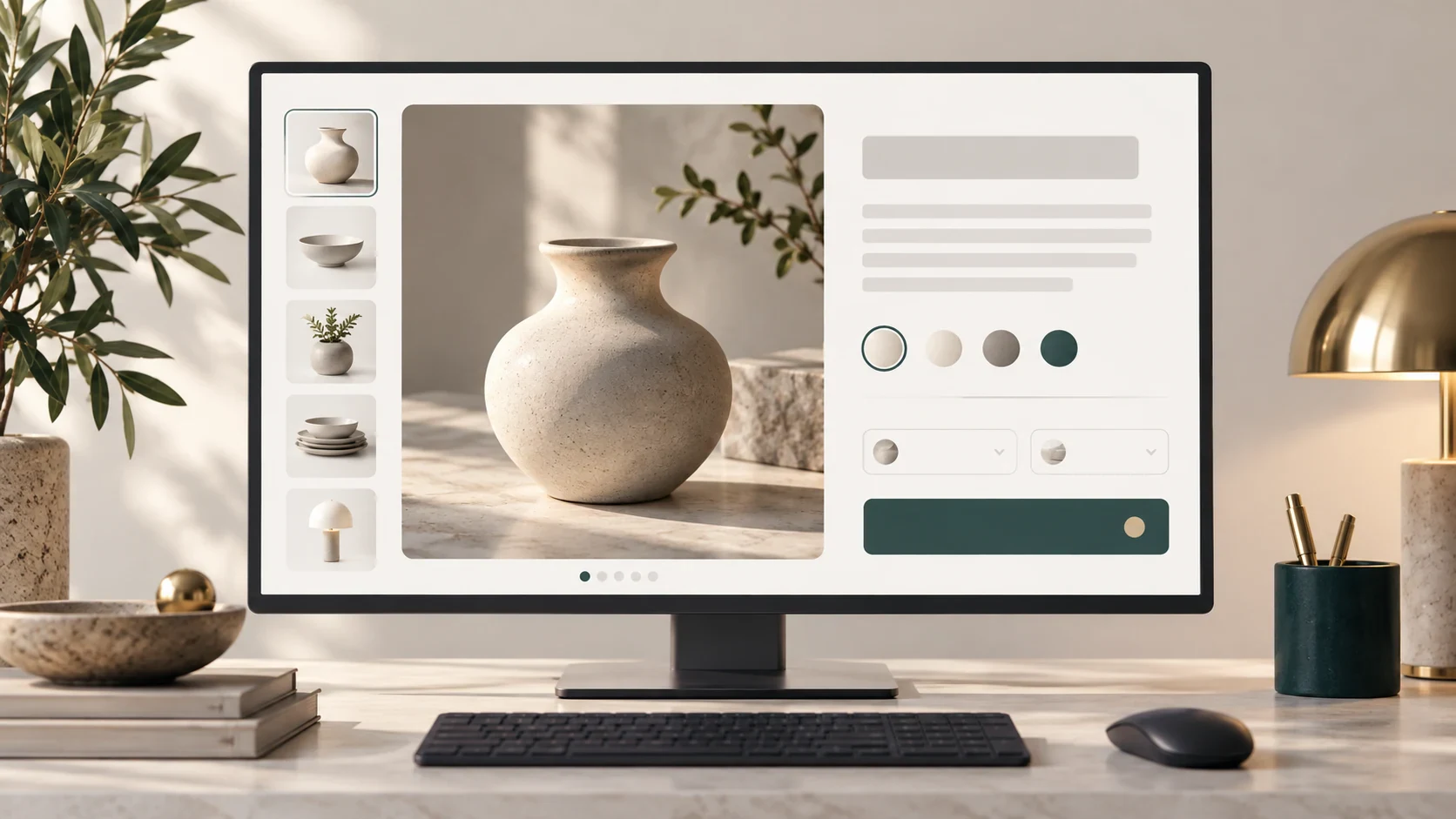
Show the actual product clearly. A front photograph introduces it; another angle can show the lid, connector, texture or inside of the item. A sensible scale reference helps customers understand size.
If colour or model changes the product, show the correct version. A customer should not have to guess whether the blue option looks like the red photograph.
Add useful alt text, which describes the image for people and systems that cannot see it. For an accurate bottle photograph, “Blue 750ml stainless steel bottle with screw cap” is more helpful than a string of unrelated keywords. Google's image guidance recommends relevant descriptive text.[4]
Good photographs also reduce avoidable enquiries. If people keep asking what comes in the box, photograph the included items and explain them.

Write the page title and description in customer language
“750ml Stainless Steel Water Bottle — Blue” gives a new customer more information than “B-107.” Keep the stock code in the details if it helps repeat buyers order the right item.
Use a clear, distinct page title. Google recommends descriptive titles and discourages repetitive wording and keyword stuffing. It may create a different search-result title from the page's other information.[2]
The meta description is the short summary you provide for search. Explain what the page offers in a useful sentence. Google may use that description or choose text from the page instead.[3] Treat it as an invitation to the right customer; changing it does not guarantee a higher ranking.
You do not need to repeat “Malaysia” in every sentence. Use location information where it explains your service or delivery area, and only make promises your business can fulfil.
Help customers take the next step
Link a product to its useful accessories, a size guide or a relevant alternative. A guide about choosing capacity should lead to the appropriate bottle category. The link should help the buyer continue, not send them to something unrelated.
Check what happens when a product has several colours or sizes. Does the selected option show the right image, price and stock? Does the customer reach the same choice when opening its link later?
Filters and variants can produce several URLs for similar content. Ask your developer to decide which versions should appear in search and keep internal links, sitemap entries and canonical signals consistent. A canonical indicates a preferred version; it should not be used to remove every useful variant from consideration automatically.[5]
Make the technical information match the shop
Ask your provider to check that important category and product pages can be crawled and indexed. Confirm that public pages have not accidentally kept restrictions from a test website.
Product structured data is another way to describe the offer to search engines. It can include price, availability and reviews, and may make a page eligible for richer search displays.[6] It should match what the customer can actually see and buy.[7]
If an item is out of stock, the data should not say it is available. If there are no genuine reviews, do not invent a rating. Accurate information is more useful than an attractive search display that the store cannot support.
Start with a manageable group of products
Choose an important category and improve its main products first. Then review relevant search impressions, visits, add-to-cart activity and orders where tracking is available.
If more people reach a product but few buy, check the offer, delivery cost and checkout as well as SEO. Bring the customer questions back into the next round of improvements.
Show us the questions customers keep asking
Share your main categories and common product enquiries with Haptic X. Our SEO and AI search services can help plan the content, while our eCommerce website service can improve how customers find and buy the products.
Sources
Official guidance checked on 1 November 2026. Examples are illustrative recommendations, not measurements from a client store.
- Google Search Central, eCommerce site structure: https://developers.google.com/search/docs/specialty/ecommerce/help-google-understand-your-ecommerce-site-structure
- Google Search Central, title links: https://developers.google.com/search/docs/appearance/title-link
- Google Search Central, snippets and meta descriptions: https://developers.google.com/search/docs/appearance/snippet
- Google Search Central, image SEO guidance: https://developers.google.com/search/docs/appearance/google-images
- Google Search Central, eCommerce URL structure: https://developers.google.com/search/docs/specialty/ecommerce/designing-a-url-structure-for-ecommerce-sites
- Google Search Central, product structured data: https://developers.google.com/search/docs/appearance/structured-data/product
- Google Search Central, structured-data policies: https://developers.google.com/search/docs/appearance/structured-data/sd-policies
Frequently asked questions
01Do we need a blog first?
Start with the category and product pages customers use to buy. Add guides when they answer a useful question and lead to relevant products.
02Can we keep the supplier's description?
Use accurate information, then add the details your customers need. Check the permission to reuse supplied text and photographs.
03Should every colour have a different page?
Plan the variant setup with your developer. The selected product information must be clear, whether it uses separate pages or a shared page.
04Will product schema guarantee stars in search?
No. Use truthful eligible information and valid markup. Google decides whether an enhanced result appears.[6][7]
05What should we improve first?
Choose products that matter to the business and pages that leave important questions unanswered. Fix a useful group well before expanding the task.