Web App vs Mobile App: What Should Your Business Build First?
Compare web apps and mobile apps for your business. Review access, development, maintenance and device features to decide which platform to build first.
On this page10 sections
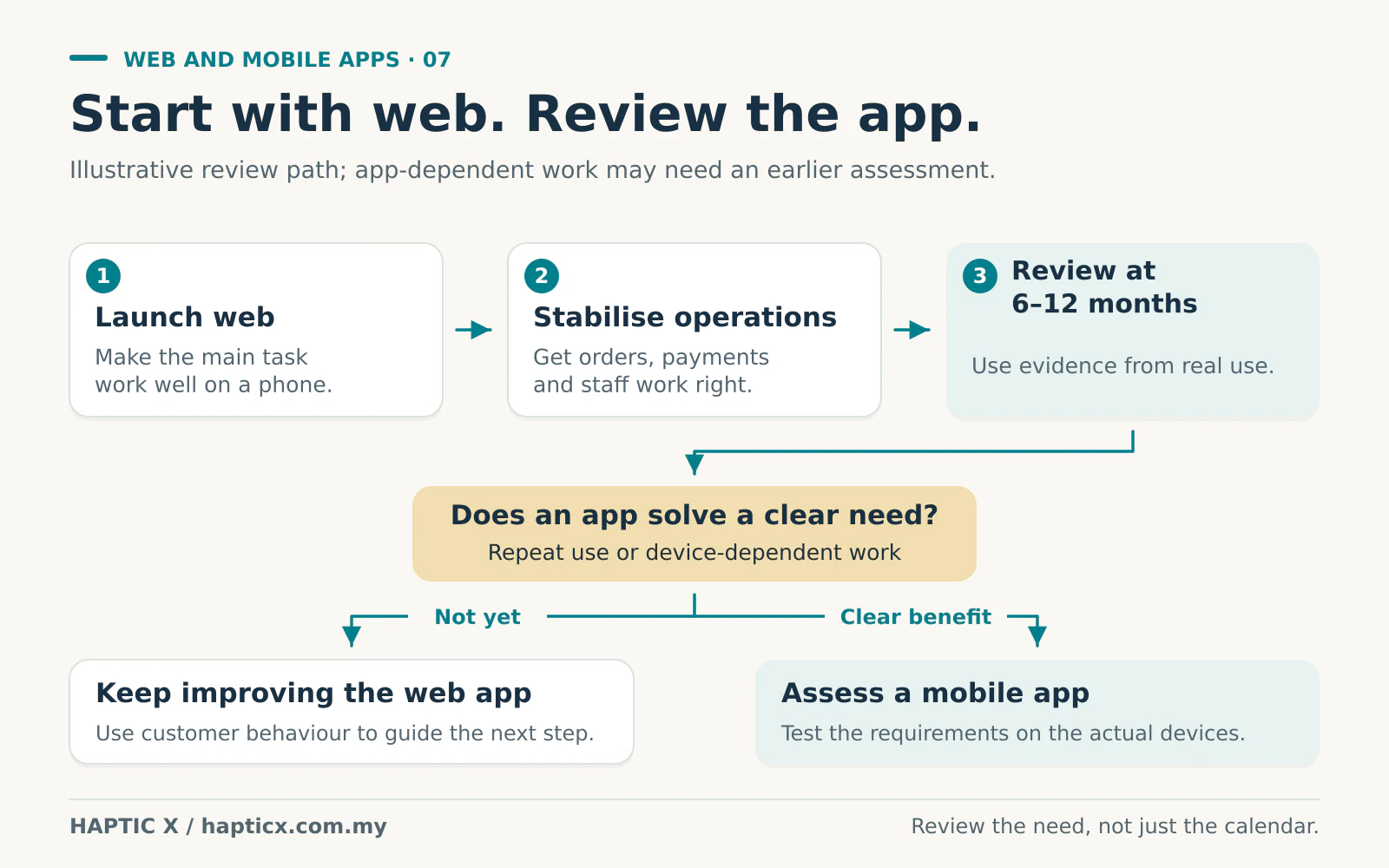
If you are still getting the basic business running, our usual advice is to start with a mobile-friendly web app. Let customers place orders or bookings easily. Let your team manage the work properly. Once that is stable, you can decide whether a mobile app will make the business better.
For many businesses, a sensible time to review that decision is after six months to a year of real use. By then, you have something more useful than a long wish list: you know what customers actually do.
Some businesses need an app from the beginning. We will explain those situations too. The decision should follow how your business works.
First, what are you actually building?
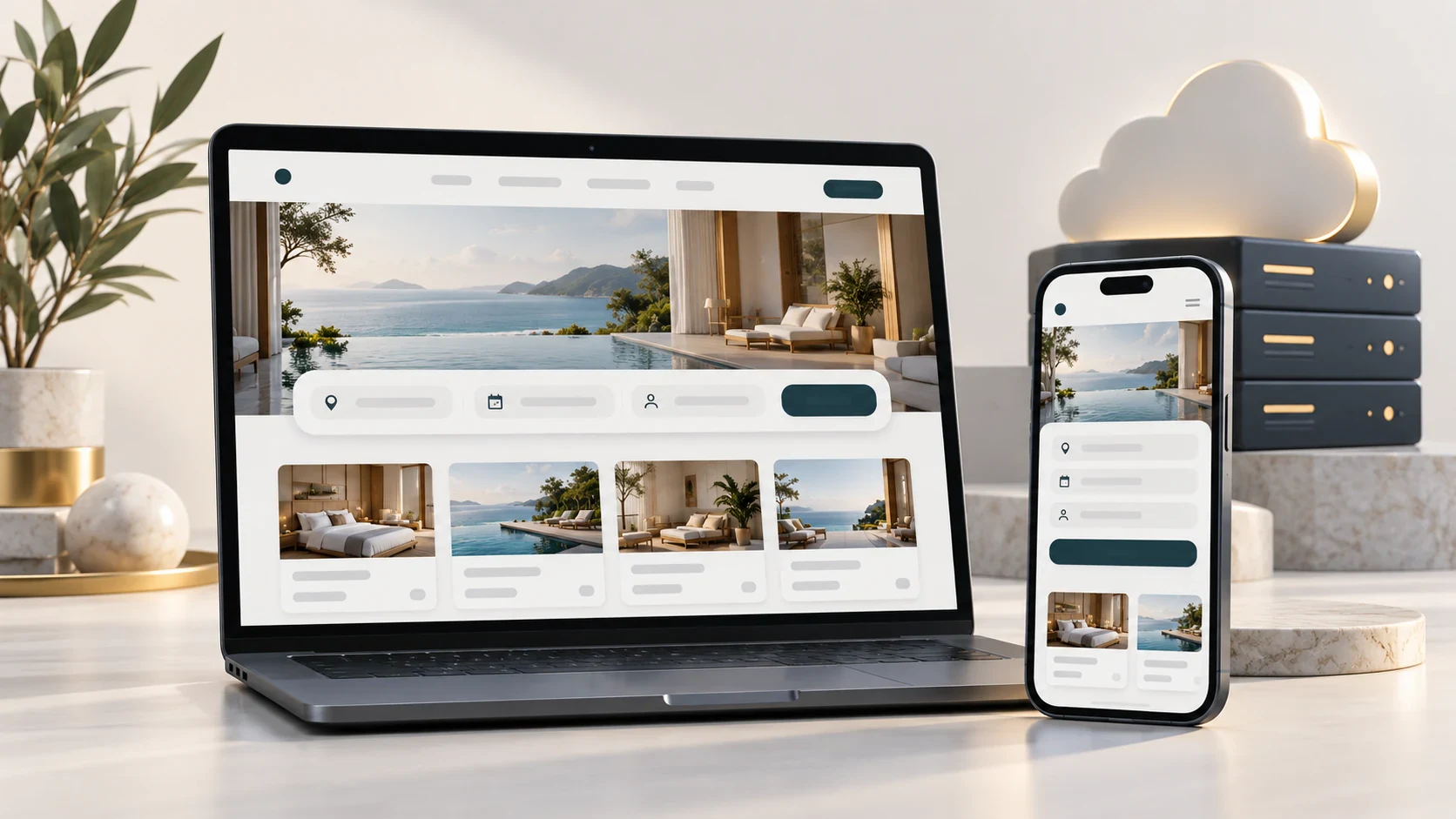
A web app is a system people use through a browser. They click a link, log in if needed, and do something: book an appointment, order products, approve a quotation or check delivery progress.
A mobile app is installed on an iPhone or Android phone. People open its icon to use your service.
And a normal website can already work on a phone. You do not need a separate app just because your customers use smartphones.
Think of a simple ordering business. Customers can browse products and pay through your website. Your staff can use a browser dashboard to prepare those orders. That already gives you a complete working business process.
Why do we normally say “web app first”?
Imagine a customer sees your product on Instagram. They want to check the price and buy one item.
You send a link. They open it, choose the item and pay.
Now imagine asking that same new customer to visit an app store, download your app, create an account and then find the product again. Some customers will do it. Others may decide it is too much work for a first purchase.
We would first make the buying process easy. Give customers a reason to come back. Then consider whether an app makes their next visit more convenient.
The same thinking applies inside your company. Before adding another platform, get the quotation, payment, stock and order status working properly. Otherwise, you may end up with a website and an app showing the same wrong information.
Get these basic things right first
A useful first version should allow the main job to happen from start to finish.
For an ordering business, that might mean:
- Customers can find the right product and understand the price.
- Checkout works comfortably on a phone.
- A successful payment updates the correct order.
- Staff know what to prepare and what has already been delivered.
- Customers can see a clear confirmation or status.
- You can check orders and sales without asking three people.
You can always think of more features. A loyalty programme, referral rewards, notifications and personalised offers may all come later. Choose the ones that solve a real business problem.
An unfinished basic process does not become easier to use simply because it is available in an app.
When should you consider the mobile app?
Suppose the business has been running smoothly for eight months. Customers order every week. They repeatedly ask for faster reordering, saved preferences and useful delivery updates.
Now you have a stronger reason to discuss an app.
Look at what has happened during those six to twelve months. How many people return? What do they keep asking for? Which tasks are difficult on the current system? Would an app solve those problems well enough to justify building and maintaining it?
You do not have to wait for a particular anniversary. If the business is already established and the need is clear, review it earlier. If customers only buy from you once every few years, another year passing does not automatically make an app worthwhile.
There are times when we would look at an app earlier
A driver who uses your system throughout the working day has different needs from someone browsing your company profile.
A field technician may work where the connection is unreliable. A delivery service may need location updates while another screen is open. A team may depend on particular scanning equipment or device features.
These are good reasons to investigate a mobile app early. Test the exact requirement on the actual devices before choosing the approach.
There is also a middle option called a progressive web app, or PWA. It uses web technology and can offer an installable experience, with selected offline features. What works depends on the browser, phone and implementation.[1][2] It can be useful, but “PWA” is not a promise that every phone feature will work the same way.
| Your situation | Where we would usually start |
|---|---|
| Company information, a catalogue or occasional enquiries | A responsive website |
| Orders, bookings, customer accounts or staff approvals | A web app with a good phone experience |
| Customers use the service frequently and have a clear reason to install it | Compare a mobile app with improving the existing web experience |
| Offline field work, background functions or specialist devices are central to the service | Assess and test an app early |

If we add an app later, must we pay to build everything again?
You should plan this before the first build.
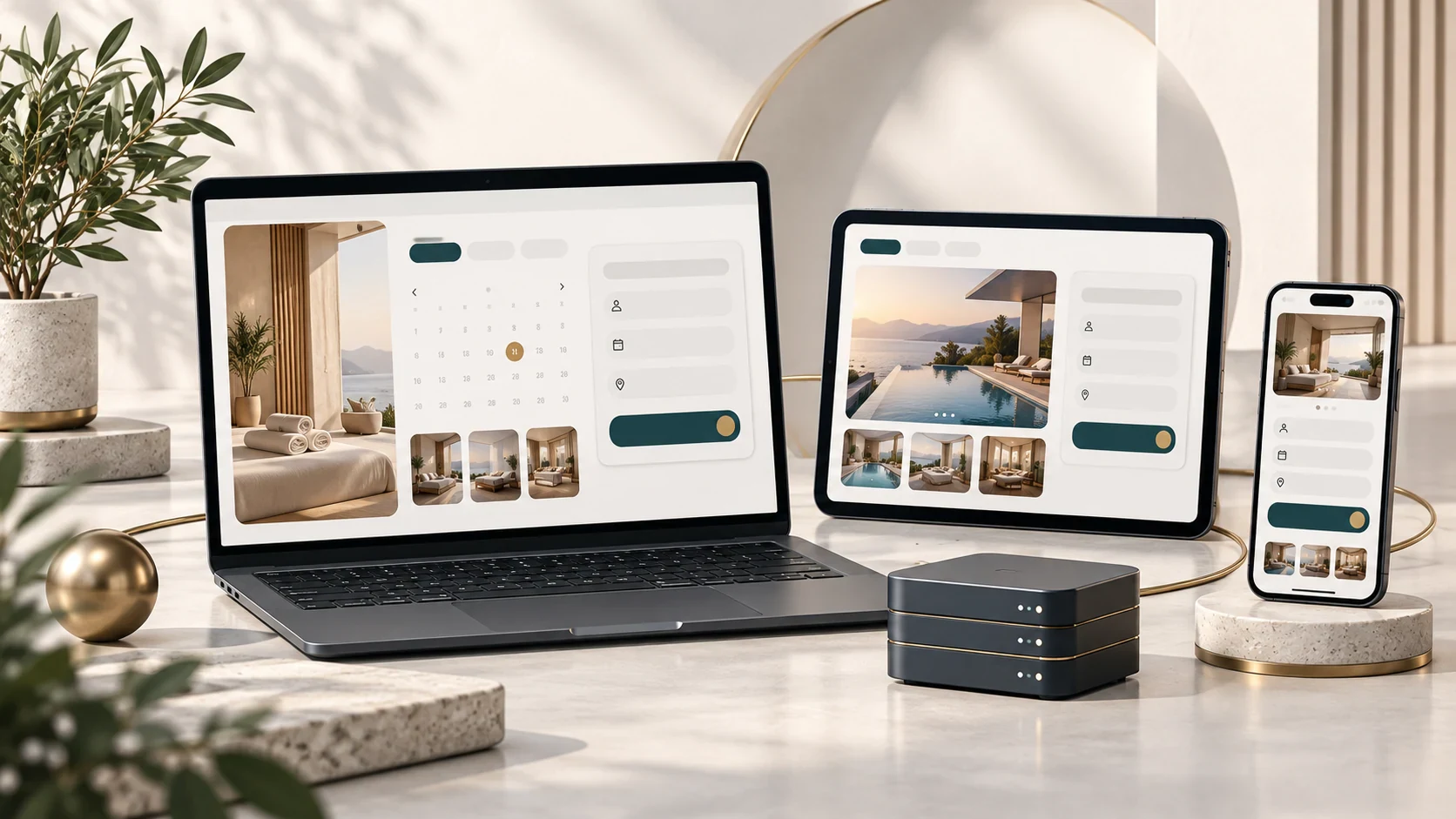
Imagine your web app and mobile app as two service counters connected to the same stockroom. Customers may come through different counters, but the orders and stock should come from one reliable place.
That shared place is often called the backend. It stores the customer accounts, orders, prices and business rules.
An API is the agreed connection that allows each app to get information or send an instruction. Both platforms can ask the same system whether order 1058 has been delivered.
With sensible planning, adding an app later can reuse much of that business logic. You still pay for the new screens, phone features, testing and app-store work. But you should not automatically need two unrelated customer databases and two sets of order rules.
Ask the developer directly: “If we add a mobile app next year, what can we reuse?”
Spend on something people will use comfortably
A cheap first quotation can become expensive if every change breaks something else.
Imagine your team reports an order problem, waits for a fix, then finds another problem two weeks later. You spend time explaining it again. Staff repeat work. Customers follow up because they cannot see the right status. Even a small extra bill feels different when it happens repeatedly.
This is what we mean by you get what you pay for. Pay for clear planning, a usable interface and proper testing of the whole process. Ask what revisions are included and what will be treated as a new feature.
A sensible review process should settle the agreed first version. Future improvements and maintenance still need attention as the business grows.
For an app-store release, useful functionality matters too. Apple expects an app to offer meaningful utility beyond a repackaged website.[3] A company logo on a home screen is not enough reason to spend your budget.
Build the part your business needs now
Tell Haptic X how your business receives orders, handles bookings or manages daily work. We can help you decide what belongs in the first web app or custom system and when mobile app development would add enough value to be worth doing.
Sources
Reviewed 1 November 2026. Platform capabilities and app-store requirements can change.
[1] MDN, Progressive web apps: https://developer.mozilla.org/en-US/docs/Web/Progressive_web_apps
[2] MDN, Best practices for PWAs: https://developer.mozilla.org/en-US/docs/Web/Progressive_web_apps/Guides/Best_practices
[3] Apple, App Review Guidelines, particularly minimum functionality: https://developer.apple.com/app-store/review/guidelines/
Frequently asked questions
01Does every business need both a web app and a mobile app?
No. A good web app can be enough for many years. Build a mobile app when it offers a clear benefit for your customers or team.
02Can a web app work without the internet?
Some functions can be designed to work offline, depending on the device and browser. Decide what staff can do offline and what happens when the connection returns. Fresh server information and live payment confirmation still need a connection.[1]
03Is six to twelve months a compulsory waiting period?
No. It is a useful review point for a business still learning how customers use its service. An established business or an app-dependent service may have a reason to move earlier.
04Can one mobile app support iPhone and Android?
Some development approaches share code across both. There is still work to check the screens, permissions and features on each supported platform. Confirm both platforms in the quotation.
05What should we show you before asking for a price?
Show us the five main things a customer or employee must do. Include the devices they use, any offline work and the systems already involved. A real order or booking is a better starting point than fifty features copied from another app.